Vendor Overview
Vendors are your suppliers—the companies you purchase ingredients from. Managing vendors in PrepStation lets you track costs, compare prices, and streamline ordering.
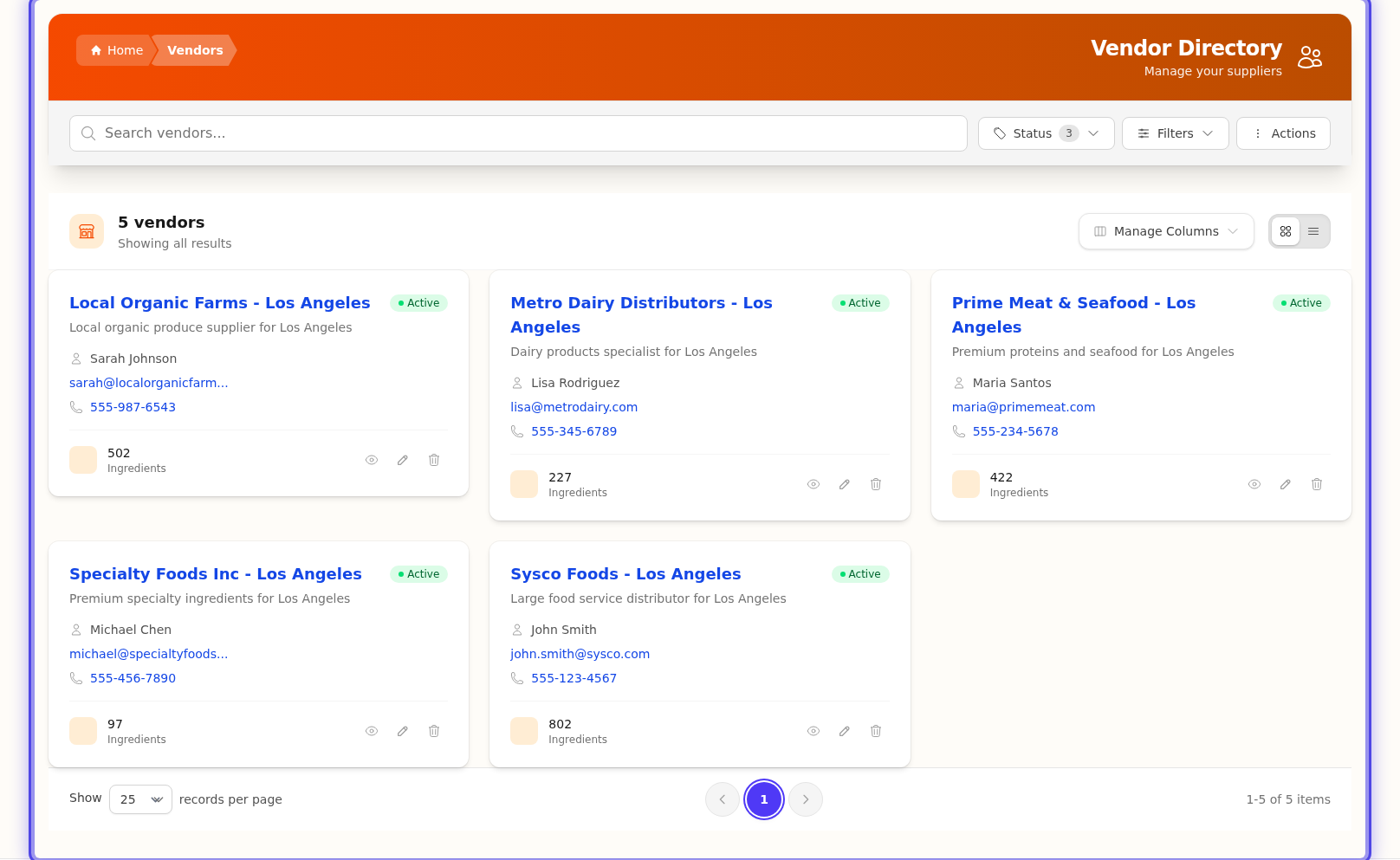
Why Vendors Matter
Vendors → Vendor Items → Ingredients → Recipes → Costs
Everything starts with what you pay for ingredients. Accurate vendor information means accurate recipe costs.
What You Can Track
Vendor Information
| Data | Purpose |
|---|---|
| Contact details | Name, email, phone, address |
| Ordering schedule | Which days they accept orders and deliver |
| Lead times | How far in advance to order |
| Minimums | Minimum order values or quantities |
Vendor Items (Products)
Each product a vendor sells is a "vendor item":
| Data | Purpose |
|---|---|
| Product name & SKU | How the vendor identifies the item |
| Pricing | Cost per package and per unit |
| Packaging | Package size and contents |
| Link to ingredient | Which ingredient this product provides |
The Vendor-Ingredient Connection
One ingredient can come from multiple vendors:
All Purpose Flour (Ingredient)
    ├── Sysco - 50lb bag @ $24.99
    ├── US Foods - 25lb bag @ $13.50
    └── Restaurant Depot - 50lb bag @ $22.99
You set one as the preferred vendor—that's the price used in recipe calculations.
Key Concepts
Preferred Vendor
Each ingredient has one preferred vendor. This vendor's price is used for:
- Recipe cost calculations
- Menu pricing
- Cost reports
Change the preferred vendor to instantly update all recipe costs.
Vendor Items vs Ingredients
| Vendor Item | Ingredient |
|---|---|
| A specific product from one vendor | Your universal item used in recipes |
| "Sysco All Purpose Flour 50lb" | "All Purpose Flour" |
| Has a specific price and package | Has a calculated cost from preferred vendor |
| Linked to one ingredient | Can have multiple vendor items |
Active vs Inactive Vendors
- Active — Currently ordering from this vendor
- Inactive — No longer using, but history preserved
Inactive vendors don't appear in dropdowns but their historical data remains.
Vendor Cards
Vendors are displayed in a card format showing key information at a glance:
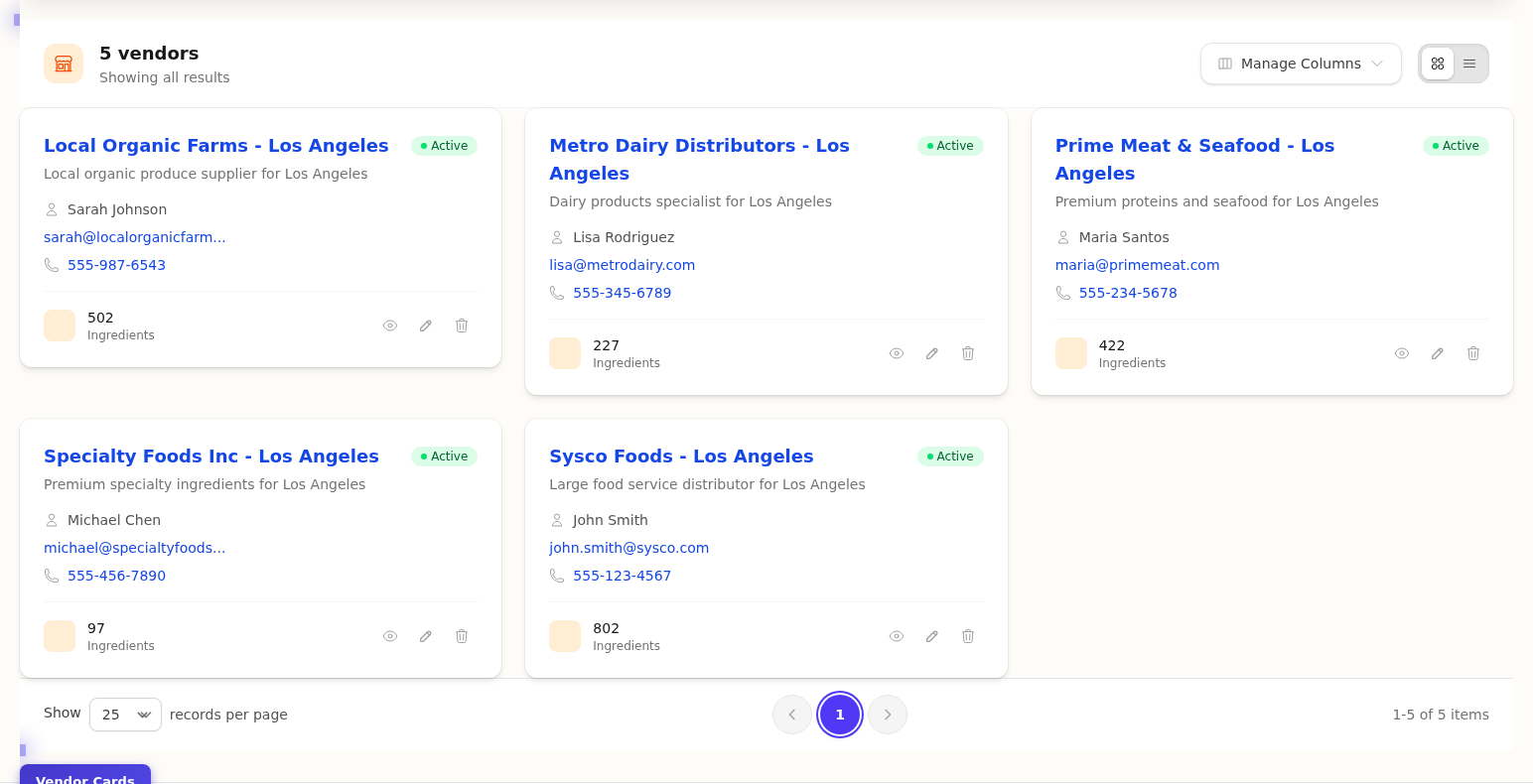
Navigate vendor details:
Common Workflows
| Task | Where to Go |
|---|---|
| Add a new supplier | Adding Vendors |
| Link products to ingredients | Vendor Items |
| Set which vendor's price to use | Preferred Vendors |
| Update prices from invoices | Invoice Scanning |
Vendors in the Data Flow
┌─────────────┐
│   VENDORS   │  ← You add supplier information
└──────┬──────┘
       │
       ▼
┌─────────────┐
│VENDOR ITEMS │  ← Link products with prices
└──────┬──────┘
       │
       ▼
┌─────────────┐
│ INGREDIENTS │  ← Get cost from preferred vendor
└──────┬──────┘
       │
       ▼
┌─────────────┐
│   RECIPES   │  ← Costs calculate automatically
└─────────────┘
See the supply chain on your dashboard:
Next Steps
- Adding Vendors — Create your first vendor
- Vendor Items — Link products to ingredients
- Preferred Vendors — Set default pricing
Last updated: October 09, 2026